📞 (954) 667-8695 | Fort Lauderdale, FL
By 2026, chatbots and virtual assistants will handle 25% of all customer service interactions—up from less than 5% in 2022. For small and medium-sized businesses, this shift represents the most significant cost-reduction opportunity in a decade. Companies implementing generative AI customer service are seeing 20-30% lower cost-per-interaction within their first year, according to Forrester Research. But here’s what most business owners miss: this isn’t about replacing your team. It’s about giving them superpowers. The same AI that answers routine questions at 2 AM can also cut new agent onboarding time in half and boost your experienced team’s productivity by 35%. This guide shows you exactly how.

If you’ve been burned by chatbots before, you’re not alone. The rule-based customer support bots of 2020-2022 frustrated customers and support teams alike, achieving containment rates of just 30-40%. They could barely handle simple keyword matching, let alone understand context or maintain a conversation across multiple turns. Generative AI customer service changes everything.
Today’s generative AI systems don’t just match keywords—they understand intent, remember context from earlier in the conversation, and generate human-like responses tailored to each customer’s specific situation. Dr. Anna Patterson, former VP of Engineering at Google AI, explains: “The breakthrough is multi-turn conversational memory. These systems can track what a customer asked three messages ago and reference it naturally, just like a human agent would.”
This isn’t theoretical. Modern AI chatbots now achieve 60%+ containment rates, according to data from Intercom. That means six out of ten customer inquiries get resolved without ever reaching a human agent—double the performance of previous-generation bots. For a business handling 500 support tickets per week, that’s 300 inquiries automated, freeing your team to focus on complex, high-value interactions.
Containment rate measures the percentage of customer interactions that AI resolves completely without human escalation. It’s the single most important metric for customer service automation ROI. Every percentage point improvement in containment rate translates directly to lower staffing costs and faster customer resolution times.
The jump from 30% to 60% containment isn’t incremental—it’s transformational. It means your support team can handle twice the customer volume with the same headcount, or maintain current service levels while reducing team size through natural attrition. More importantly, customers get instant answers to common questions 24/7, dramatically improving satisfaction scores for routine inquiries.
Five years ago, deploying sophisticated AI customer service required enterprise budgets and six-month implementation timelines. Rowan Curran, Principal Analyst at Forrester Research, notes: “What cost Fortune 500 companies millions in 2020 is now accessible to 50-person businesses at a fraction of the price. We’re seeing successful deployments in weeks, not years.”
This accessibility shift is driven by two factors: the 60% decrease in large language model training costs since 2023 (Stanford AI Index Report), and the emergence of plug-and-play platforms from Zendesk, Intercom, Freshworks, and Salesforce that bundle generative AI into existing customer service software. You no longer need a data science team to deploy world-class automated customer service.
Let’s cut through the hype and talk numbers. The business case for AI customer service automation rests on three measurable outcomes: cost reduction, customer satisfaction improvement, and agent productivity gains. Here’s what the data shows.

Forrester Research tracked 47 companies that deployed generative AI for customer support in 2024-2025. The median cost-per-interaction dropped 20-30% within the first 12 months. For a business handling 2,000 support interactions monthly at an average cost of $8 per interaction, that’s $3,200-$4,800 in monthly savings—$38,400-$57,600 annually.
These savings come from three sources. First, AI handles tier-1 queries (order status, password resets, basic troubleshooting) at near-zero marginal cost once deployed. Second, agent co-pilots reduce average handle time by 35% for human-managed interactions, allowing your team to resolve more tickets per hour. Third, new agent onboarding time drops by 50% because AI provides real-time guidance and suggested responses during training.
The investment required is surprisingly modest. Most SMB-focused platforms charge $50-$150 per month per agent seat, with AI features included. For a five-person support team, that’s $250-$750 monthly—a payback period of less than one month based on the cost savings above.
Here’s the counterintuitive finding: customers are happier with AI-powered support than with traditional human-only models. McKinsey’s 2025 customer service study found that companies deploying generative AI chatbots saw CSAT scores improve by up to 15%.
Why? Speed and availability. Customers don’t want to wait four hours for a response to “Where’s my order?” They want an answer now—at 11 PM on a Saturday if that’s when they’re thinking about it. AI delivers instant resolution for common queries 24/7, eliminating the frustration of business-hours-only support.
For complex issues that require human expertise, customers still get routed to your team—but now those agents are equipped with AI co-pilots that surface relevant knowledge base articles, suggest responses, and auto-populate CRM fields. The result: faster, more accurate resolutions even for escalated tickets.
Large enterprises have been investing in customer service automation for years, achieving incremental gains. SMBs, by contrast, are often starting from manual, email-based support processes. The leap from “check your inbox in 24 hours” to “instant AI-powered resolution” is dramatic—and customers notice.
The $5 billion invested in AI customer service startups in 2025 (TechCrunch) is disproportionately targeting the SMB market. Platforms like Intercom, Zendesk, and Freshworks have rebuilt their products around generative AI specifically to serve businesses with 10-200 employees. You’re not adapting enterprise software—you’re using tools designed for your scale and budget.
Theory is interesting. Results are what matter. Here are five proven use cases for AI customer service automation, ranked by implementation speed and ROI impact. Most SMBs start with use case one and expand from there.
Every support team has a top-10 list of questions they answer repeatedly: order status, password resets, return policies, shipping costs, account updates. These tier-1 queries are perfect for full automation. They’re high-volume, low-complexity, and follow predictable patterns.
Deploy a generative AI chatbot trained on your knowledge base and historical ticket data. Configure it to handle these common inquiries with 24/7 availability. Customers get instant answers. Your team stops repeating themselves. One 50-person e-commerce company reduced average response time from four hours to four minutes for tier-1 queries using exactly this approach.
Implementation timeline: 2-4 weeks. ROI: immediate reduction in ticket volume for human agents.
Not all customer inquiries are created equal. An angry customer threatening to cancel deserves faster attention than a general product question. Generative AI excels at sentiment analysis and urgency detection, automatically routing high-priority tickets to your most experienced agents while queuing low-urgency requests for batch processing.
Modern platforms analyze incoming messages for emotional tone, account value, issue complexity, and historical context. A frustrated long-time customer gets escalated immediately. A first-time visitor asking about pricing gets added to the standard queue. Your team focuses effort where it matters most.
Implementation timeline: 1-2 weeks (most platforms offer this as a built-in feature). ROI: improved retention for high-value customers, reduced churn from slow response to urgent issues.
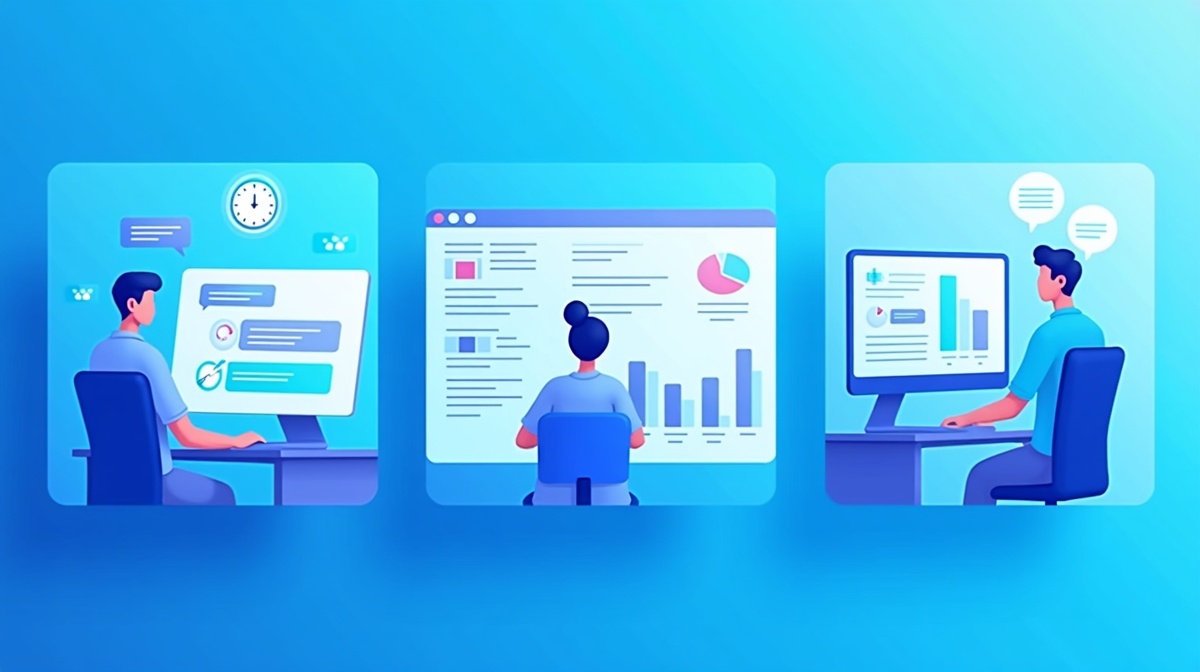
This is where the productivity gains get dramatic. Instead of replacing agents, AI co-pilots assist them in real-time. When an agent opens a ticket, the AI instantly surfaces relevant knowledge base articles, suggests response drafts based on similar past interactions, and auto-populates CRM fields with extracted information.
Zendesk’s 2025 benchmark data shows that agents using AI co-pilots achieve 35% higher productivity—they resolve more tickets per hour with higher quality responses. New agents benefit even more: onboarding time drops by 50% because they have an expert assistant guiding every interaction.
Implementation timeline: 3-4 weeks (requires integration with your knowledge base and CRM). ROI: 35% productivity improvement, 50% faster new agent onboarding.
After every customer interaction, someone has to update the CRM: log the issue, record the resolution, tag the ticket category, update the customer record. This administrative work consumes 20-30% of agent time—time that could be spent helping customers.
Generative AI can automatically generate interaction summaries and update CRM fields based on conversation content. The agent reviews the AI-generated summary for accuracy and clicks approve. What used to take three minutes now takes 30 seconds.
Implementation timeline: 2-3 weeks. ROI: 20-30% reduction in administrative overhead, more accurate CRM data.
The most sophisticated use case: proactive outreach based on customer behavior triggers. If a customer’s order is delayed, the AI sends a proactive notification with updated tracking information before they have to ask. If a customer repeatedly visits your pricing page without converting, the AI triggers a personalized message offering assistance.
This shifts customer service from reactive (waiting for complaints) to proactive (preventing problems). It requires integration between your AI platform, order management system, and website analytics—but the impact on customer satisfaction is substantial.
Implementation timeline: 6-8 weeks (requires cross-system integration). ROI: reduced inbound ticket volume, improved customer satisfaction through proactive communication.
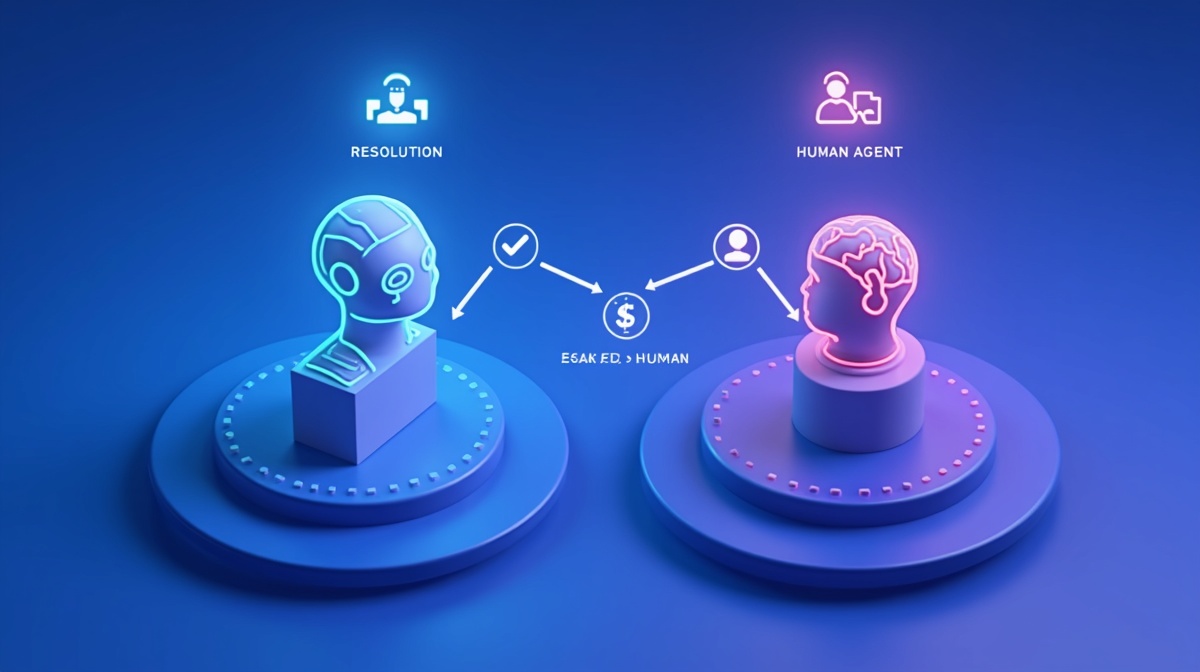
You have two primary deployment models for AI customer service automation: standalone chatbots that handle interactions independently, and agent co-pilots that assist human agents in real-time. Most businesses end up using both, but the right starting point depends on your support volume, query complexity, and team structure.
Standalone chatbots work best when you have high volume of repetitive, low-complexity queries. If 60% or more of your support tickets fall into the tier-1 category (order status, password resets, basic troubleshooting, FAQ), a standalone bot can handle these interactions from start to finish with no human involvement.
The economics are compelling. Once deployed, the marginal cost per interaction is near zero. A chatbot can handle 1,000 conversations simultaneously at 3 AM with the same quality as 3 PM. For businesses with predictable, high-volume support needs—e-commerce, SaaS with freemium users, consumer apps—standalone chatbots deliver immediate ROI.
The limitation: when queries get complex or emotionally charged, chatbots still struggle. A customer who’s received the wrong product three times in a row doesn’t want to talk to a bot, no matter how sophisticated. That’s where escalation to human agents becomes critical.
Agent co-pilots take a different approach: they don’t replace humans, they make humans better. When your support team opens a ticket, the AI assistant immediately provides context, suggests responses, retrieves relevant documentation, and handles administrative tasks like CRM updates.
Sarah Franklin, President and CMO of Salesforce, frames it perfectly: “This technology is not about replacing agents; it’s about supercharging them. Our data shows that agents using AI co-pilots are happier, more productive, and deliver better customer outcomes.”
Co-pilots excel when your support queries are diverse, complex, or require judgment calls. B2B companies, professional services firms, and businesses with high-touch customer relationships typically see better results from the co-pilot model than from standalone automation.
Choose standalone chatbots if: you handle 500+ support interactions monthly, 60%+ are tier-1 queries, you need 24/7 coverage, and you want to reduce headcount through attrition. Typical industries: e-commerce, consumer SaaS, online marketplaces.
Choose agent co-pilots if: your queries are complex and varied, customer relationships are high-value, you have a skilled support team you want to retain, and your priority is productivity over headcount reduction. Typical industries: B2B SaaS, professional services, enterprise software.
Choose the hybrid approach if: you have both high-volume simple queries and complex escalations. Deploy a standalone chatbot for tier-1 automation with seamless escalation to human agents equipped with co-pilots for complex issues. This is the most common deployment model in 2026—and the one most platforms are optimized to support.
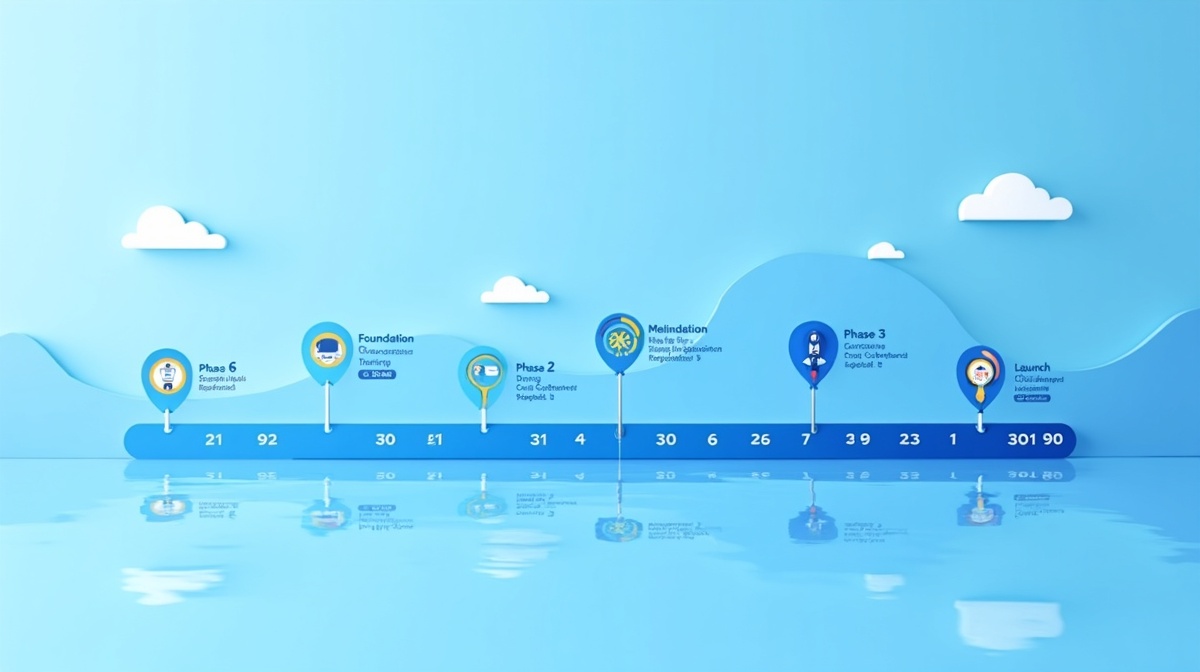
Deploying AI customer service automation doesn’t require a six-month enterprise project. Most SMBs go from decision to production in 60-90 days. Here’s the proven three-phase roadmap that minimizes risk and maximizes learning velocity.
Start by auditing your current support volume and query distribution. Pull the last 90 days of support tickets and categorize them: How many are tier-1 queries that could be automated? How many require human judgment? What are the top 10 most common questions? This data drives your entire implementation strategy.
Next, select your platform. The three leading options for SMBs in 2026 are Zendesk (best for teams already using Zendesk for ticketing), Intercom (best for product-led growth companies), and Freshworks (best for budget-conscious teams). All three now include generative AI features as standard, not add-ons.
Evaluation criteria: Does it integrate with your existing CRM and help desk software? What’s the pricing model—per agent seat or per conversation? How much customization flexibility do you get for training the AI on your specific knowledge base? Can you deploy both chatbots and co-pilots, or just one model?
By the end of month one, you should have: a detailed audit of your support query distribution, a selected platform with contracts signed, and initial access credentials for your team to begin configuration.
Month two is all about training the AI on your business. Upload your knowledge base, FAQ documentation, and historical ticket data. Most platforms use this content to automatically train the generative AI model—no coding required.
Configure your chatbot or co-pilot with your brand voice, escalation rules, and business logic. If a customer asks about a refund, should the AI handle it automatically up to a certain dollar amount, or always escalate to a human? If someone uses profanity, does that trigger immediate escalation? These rules shape how the AI behaves in production.
Run parallel testing: route a copy of incoming support tickets to the AI and have your team review the suggested responses without sending them to customers. This reveals gaps in the AI’s knowledge and areas where it needs additional training. Iterate based on feedback.
By the end of month two, you should have: a fully configured AI system trained on your knowledge base, documented escalation rules, and at least two weeks of parallel testing data showing where the AI performs well and where it needs improvement.
Don’t flip the switch to 100% on day one. Start with a controlled rollout: route 20% of incoming support traffic to the AI, with the remaining 80% going to your human team as usual. Monitor containment rate (percentage of AI interactions that resolve without escalation), customer satisfaction scores, and time-to-resolution.
Pay special attention to escalation patterns. If the AI consistently escalates questions about a specific product feature, that’s a signal to add more documentation to your knowledge base. If customers express frustration before escalating, that’s a signal to tighten your escalation triggers.
Gradually increase the percentage of traffic routed to AI as confidence grows: 20% in week one, 40% in week two, 60% in week three, 80% in week four. By the end of month three, most businesses are running 80-100% of tier-1 queries through AI with human oversight for escalations.
Key success metrics to track: containment rate (target: 60%+ by end of month three), average time-to-resolution (target: 50%+ reduction for tier-1 queries), customer satisfaction score (target: maintain or improve from baseline), cost-per-interaction (target: 20-30% reduction).
Rowan Curran’s observation holds true: “We’re seeing 50-person companies go from decision to production deployment in weeks, not years. The technology has matured to the point where implementation risk is minimal if you follow a structured rollout process.”
No technology deployment is without challenges. AI customer service automation raises legitimate concerns about job displacement, accuracy, and data security. Here’s how to address each one head-on.
Let’s be direct: if your business currently employs level-1 support agents whose entire job is answering “Where’s my order?” and “How do I reset my password,” those roles will evolve. Full automation of tier-1 queries means you need fewer people doing repetitive work.
But here’s the reframe: those same people can be upskilled to manage AI systems, handle complex escalations, and focus on high-value customer relationships. The most successful deployments involve existing support staff early in the process, positioning them as AI system managers rather than replacements.
One mid-sized SaaS company reduced their support team from 12 to 8 through natural attrition over 18 months while simultaneously promoting two former level-1 agents to “AI Support Specialists” responsible for training the chatbot and optimizing escalation rules. Employee satisfaction actually increased because the remaining team spent their time solving interesting problems instead of repeating the same answers 50 times per day.
The key is transparency and investment in training. Don’t surprise your team with automation. Involve them in the implementation, celebrate AI-assisted wins, and create clear career paths for people who embrace the technology.
AI hallucination—when the system generates confident but incorrect answers—is a real risk. A chatbot that tells a customer their order shipped when it hasn’t, or quotes the wrong return policy, damages trust and creates more work for your team.
Mitigation starts with confidence thresholds. Configure your AI to escalate to a human agent whenever its confidence score drops below a certain level (most platforms default to 70-80%). If the AI isn’t sure of the answer, it should say “Let me connect you with a specialist” rather than guessing.
Implement human-in-the-loop review for high-stakes queries. Refund requests, account cancellations, billing disputes—these should always route to human agents, even if the AI could technically handle them. The cost of an error is too high.
Regular auditing is essential. Review a random sample of AI-handled interactions weekly. Look for patterns of incorrect responses and update your knowledge base accordingly. Most platforms provide audit dashboards that flag low-confidence interactions for review.
When you feed customer conversations to a third-party AI platform, you’re sharing sensitive data: names, email addresses, order details, potentially payment information. Data privacy isn’t optional—it’s a legal and ethical requirement.
Require SOC 2 Type II compliance from any AI vendor you evaluate. This certification verifies that the vendor has implemented rigorous security controls for data handling, encryption, and access management. Zendesk, Intercom, Freshworks, and Salesforce all maintain SOC 2 compliance, but verify current status before signing contracts.
Understand data residency options. If you serve European customers, GDPR requires that their data stays within EU data centers. Most enterprise platforms offer regional data residency—confirm this is available and configured correctly.
Implement clear data governance policies. What customer data does the AI have access to? How long is conversation history retained? Who within your organization can access AI training data? Document these policies and communicate them to customers through your privacy policy.

Transparency with customers builds trust. Disclose AI usage in your support experience: “You’re chatting with our AI assistant. A human specialist is available anytime—just ask.” Provide an easy escalation path. Customers who know they’re talking to AI and can reach a human when needed are more forgiving of occasional AI limitations.
Generative AI customer service is no longer a future trend—it’s a 2026 operational necessity for competitive SMBs. Your customers already expect instant, 24/7 support. Your competitors are deploying these systems right now. The question isn’t whether to automate, but how quickly you can implement without sacrificing quality.
The three core value propositions are proven: 20-30% cost reduction within 12 months, improved customer satisfaction through instant resolution and 24/7 availability, and 35% agent productivity gains through AI co-pilots. These aren’t projections—they’re benchmarks from thousands of real deployments tracked by Forrester, McKinsey, and platform vendors.
Start with the low-hanging fruit: deploy a standalone chatbot for tier-1 query automation, measure containment rate and customer satisfaction, then expand to agent co-pilots and proactive support as you build confidence. The 90-day roadmap outlined above gives you a structured, low-risk path from decision to production.
The businesses that embrace AI customer service automation in 2026 position themselves as employers of choice—offering upskilled teams meaningful work instead of repetitive tasks—and as customer service leaders in their industries. The technology is ready. The platforms are mature. The ROI is proven. The only question left is: when do you start?
Ready to explore how generative AI can transform your customer service operations? Nexarily AI offers a free customer service automation audit to identify your highest-impact use cases and build a custom 90-day implementation roadmap. Schedule your audit today and join the thousands of SMBs already delivering world-class support at a fraction of traditional costs.